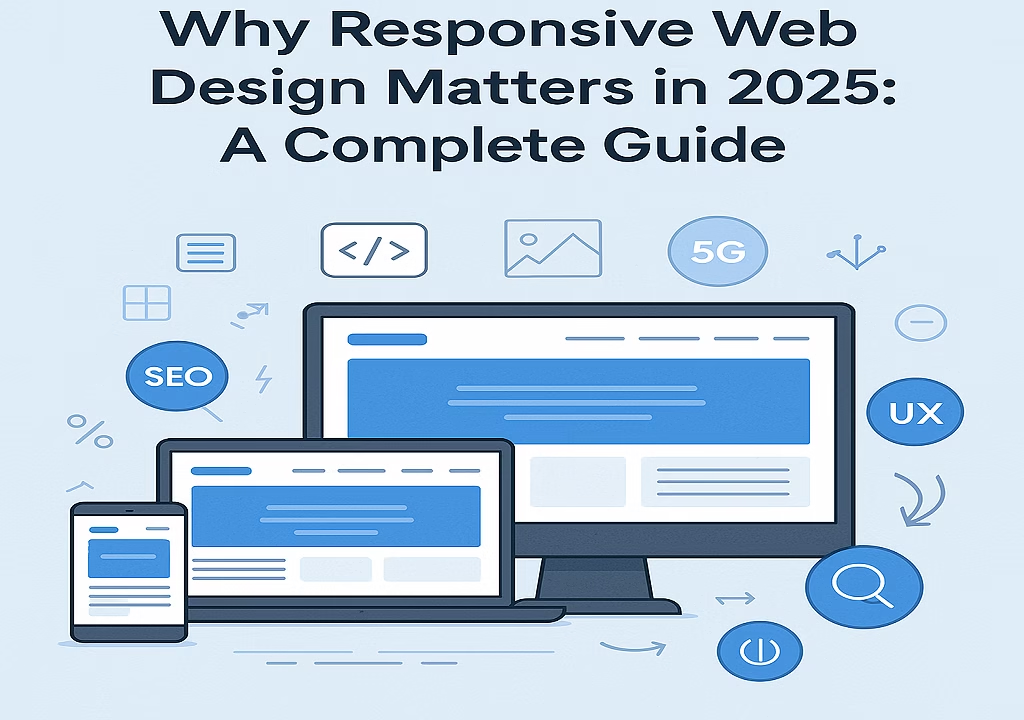
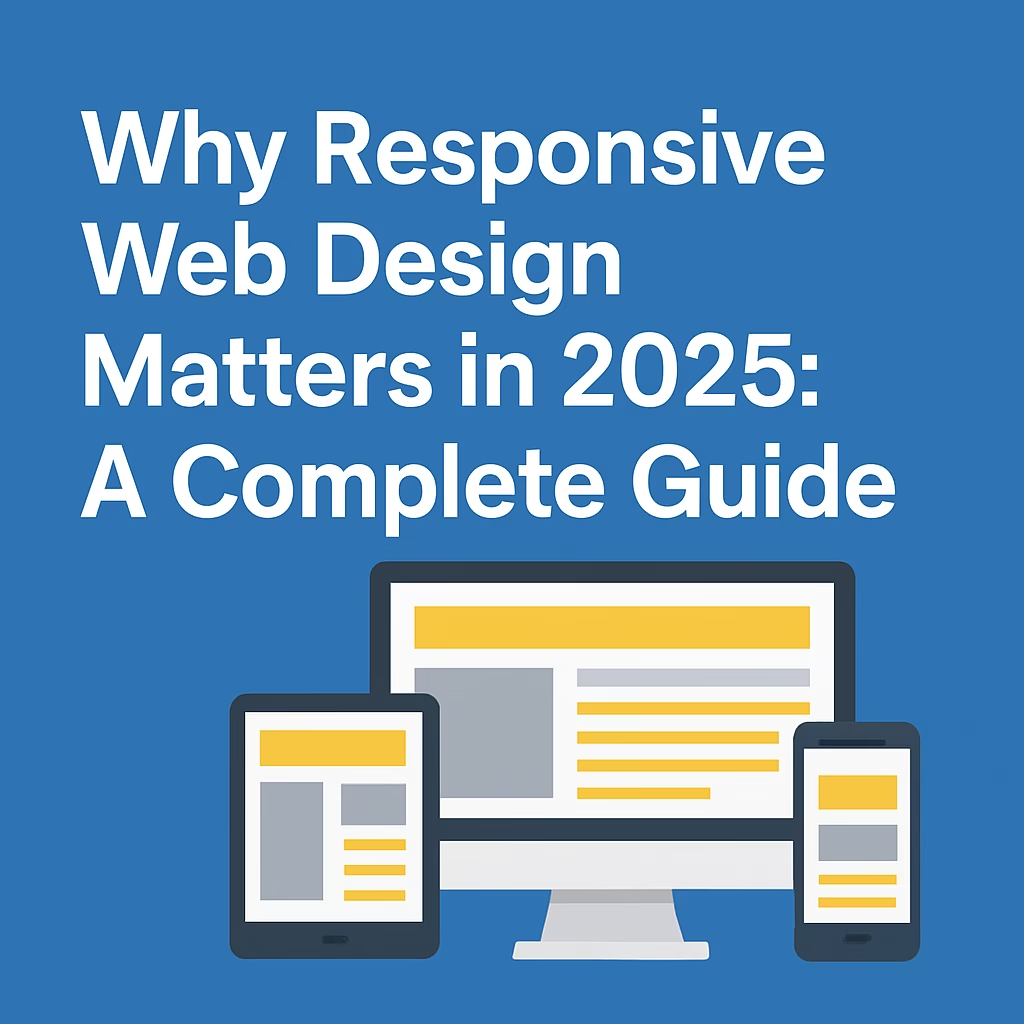
In today’s fast-evolving digital world, websites are no longer just viewed on desktops. With users accessing the internet through tablets, smartphones, smart TVs, and even wearable devices, having a website that adjusts seamlessly to every screen size is not just a trend—it’s a necessity. Responsive web design ensures your website looks and functions well on all devices, offering an optimal user experience no matter how visitors find you.
In this article, we explore why responsive web design matters more than ever in 2025, how it impacts your SEO, user engagement, and conversions, and how to implement it successfully.
Responsive Web Design – What Is Responsive Web Design?
Responsive web design is an approach where a website’s layout, images, and other elements automatically adjust to fit different screen sizes and resolutions. Rather than building separate websites for mobile and desktop, responsive design uses flexible grids, fluid images, and CSS media queries to adapt content dynamically.

Why Responsive Design Is Crucial in 2025
- Increased Mobile Usage
According to recent statistics, over 60% of web traffic now comes from mobile devices. In some regions, that figure is even higher. As 5G and faster mobile networks expand globally, people are browsing, shopping, and reading on the go more than ever. If your site isn’t mobile-friendly, you risk losing a significant portion of your audience. - Google’s Mobile-First Indexing
Google now uses the mobile version of content for indexing and ranking. If your site isn’t responsive or mobile-optimized, it may not perform well in search results, directly impacting your traffic and visibility. Responsive design is not just about usability—it’s a core SEO factor. - Better User Experience
User experience (UX) plays a vital role in how visitors perceive your brand. A responsive site that loads quickly, is easy to navigate, and adapts to any screen encourages visitors to stay longer and engage more. A poor mobile experience, on the other hand, increases bounce rates and diminishes trust. - Higher Conversion Rates
Whether your goal is to get newsletter sign-ups, product sales, or inquiries, a smooth user journey is essential. Responsive design eliminates barriers like hard-to-read text, broken layouts, or misaligned buttons that discourage users from taking action. - Faster Page Speed
Responsive websites often load faster because they avoid unnecessary redirects or bloated code. With Google using page speed as a ranking factor, optimizing for performance is essential. - Future-Proofing Your Site
With new devices emerging regularly, it’s impossible to predict all screen sizes. A responsive design approach prepares your website to scale and adapt, ensuring it stays usable and visually appealing in the years to come.
Key Elements of a Responsive Website
- Fluid Grid Layouts: Using relative units like percentages instead of fixed pixels allows layouts to stretch or shrink based on screen size.
- Flexible Images and Videos: Media content adjusts within their containers, ensuring they don’t overflow or appear cropped.
- Media Queries: These CSS rules apply different styling based on device characteristics like width, orientation, and resolution.
- Mobile-First Design: Designing for smaller screens first ensures core functionality is prioritized before scaling up to larger displays.
- Touch-Friendly Navigation: Large buttons, easy scrolling, and intuitive menus enhance mobile usability.
How Responsive Design Impacts SEO
Responsive design directly affects:
- Page Load Time: Mobile-optimized websites load faster, a key SEO factor.
- Lower Bounce Rate: If users stay longer and interact with your site, it signals quality to search engines.
- No Duplicate Content: Unlike separate mobile URLs, a responsive site avoids duplicate content issues.
- Better Backlink Consolidation: All inbound links point to one URL, strengthening domain authority.
Google explicitly recommends responsive design as the preferred mobile configuration.
Best Practices for Implementing Responsive Web Design
- Use a Responsive Framework: Tools like Bootstrap, Foundation, or Tailwind CSS make building responsive layouts easier.
- Test Across Devices: Use Chrome DevTools, BrowserStack, or real devices to ensure your site works on various platforms.
- Optimize Media: Compress images and use modern formats like WebP to reduce load times.
- Use Scalable Fonts: Relative font units (em/rem) scale text appropriately across devices.
- Hide Non-Essential Elements on Mobile: Minimize clutter and focus on core content for smaller screens.
- Enable Viewport Meta Tag: This ensures the browser knows how to adjust the content based on screen size.
<meta name="viewport" content="width=device-width, initial-scale=1">
- Prioritize Core Content: Make sure your primary message or call-to-action is visible without scrolling.
Common Mistakes to Avoid
- Using fixed-width layouts
- Not testing on real devices
- Forgetting to optimize touch interactions
- Poor contrast or unreadable fonts on small screens
- Overloading mobile users with desktop-level content
Tools to Check Responsiveness
- Google Mobile-Friendly Test
- Responsinator
- Chrome DevTools (Device Mode)
- Screenfly
- BrowserStack
Conclusion: Embrace Responsive Design forhttps://webcratly.com/top-7-websites-web-design-templates/ Long-Term Success
As the web continues to evolve, so should your website. Responsive design is not an optional upgrade; it’s a foundational element of modern web development. It enhances usability, boosts your SEO, and ensures your content reaches users everywhere, regardless of device.
By embracing responsive web design today, you’re investing in the future success of your website—and providing the best possible experience for your visitors.
Looking to improve your website or start from scratch? Stay tuned to Webcratly for more guides, tools, and insights to help you build a better web presence.